The tip screen asks for 25%.
TipSense tells you what's usual. Log the receipt, see the tip as a percentage of the bill, and keep dining out inside your monthly budget.
Add a tip
From the receipt to the verdict, in three steps.
-
1
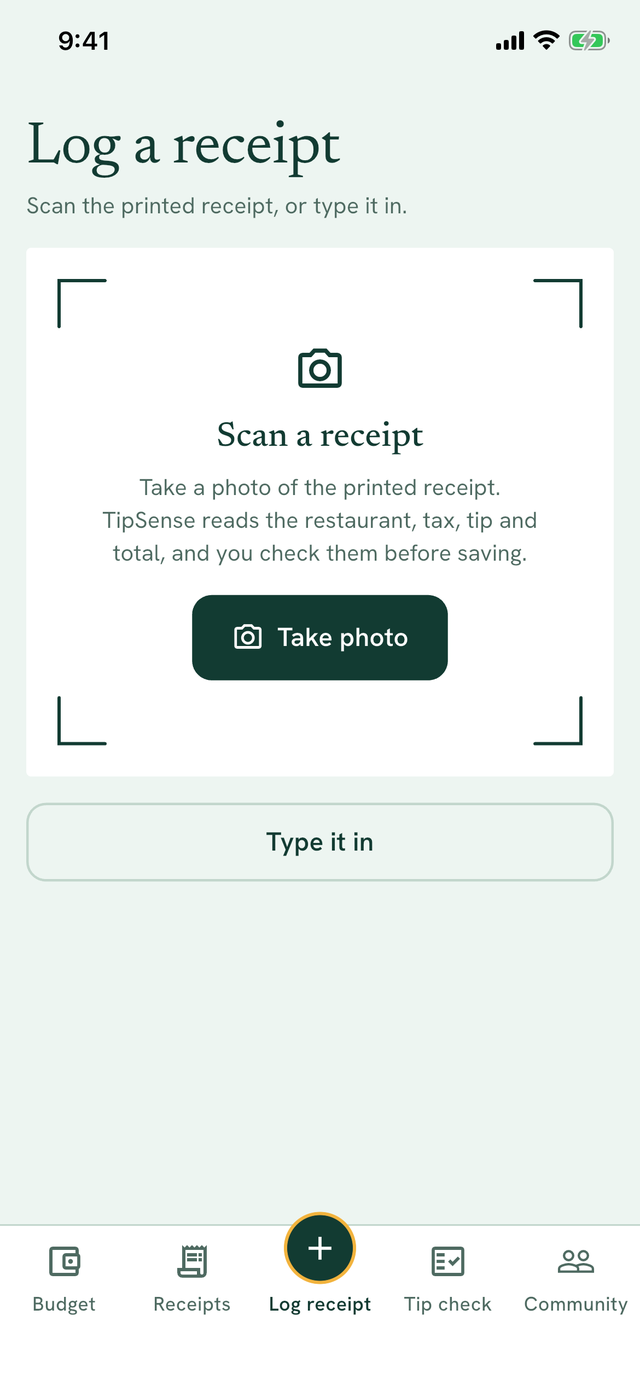
Log the receipt
Take a photo of the printed receipt and TipSense reads the restaurant, tax, tip and total, or type it in. You check every amount before it's saved, and the photo never leaves your phone.
-
2
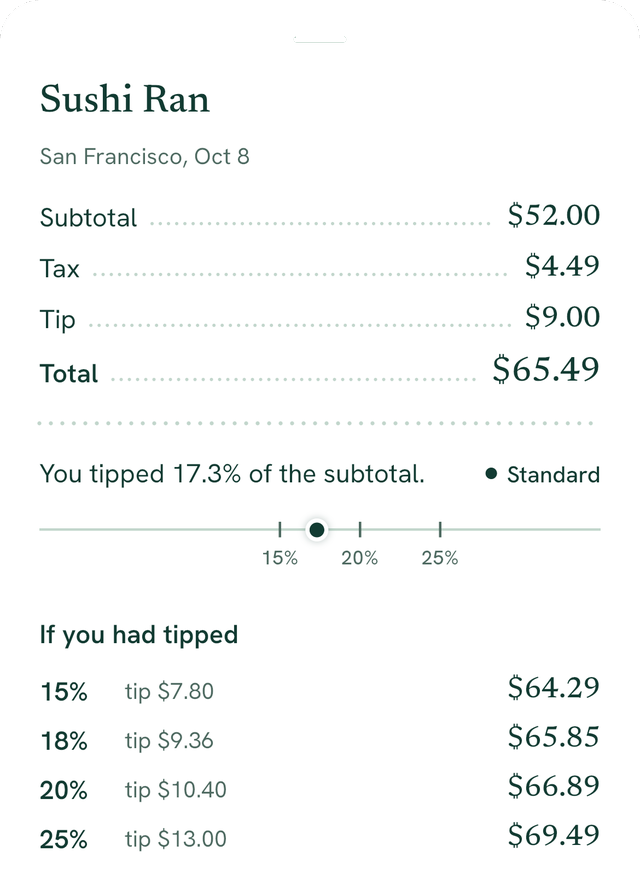
See what you tipped
Every receipt shows the tip against the subtotal before tax, the way US tipping is usually figured, with one plain verdict and what 15, 18, 20 or 25 percent would have cost.
- Light tipunder 15%
- Standard15 to 20%
- Generous20 to 25%
- Over-tippedover 25%
-
3
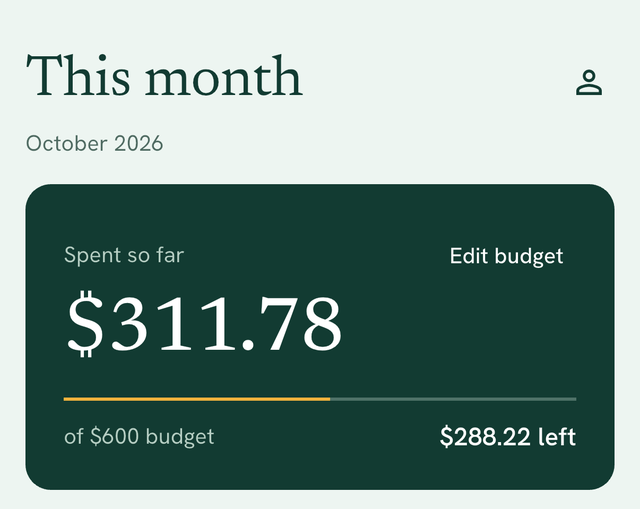
Keep the month in view
Set a monthly budget. This month's receipts and subscriptions, like streaming or a gym, add up as you go, so you always know what's left, and when you've gone over.
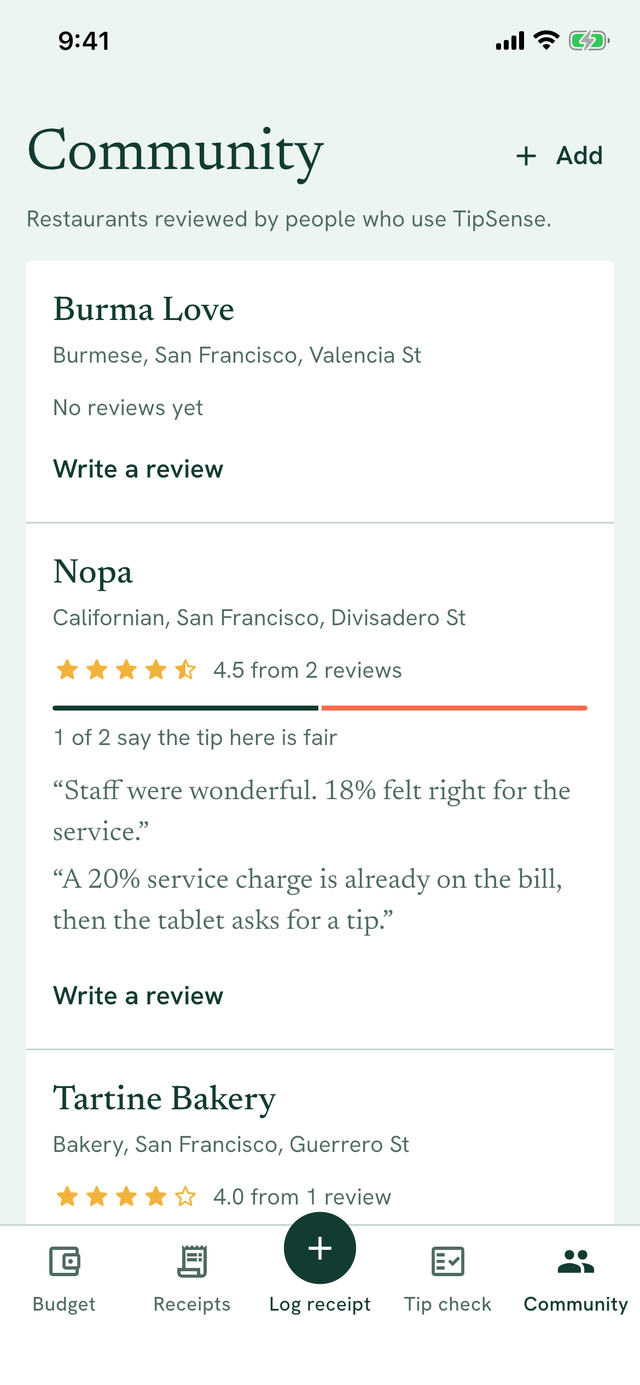
Is the tip fair here?
Other diners review restaurants on the one thing tip screens don't tell you: whether a service charge is already on the bill, and whether the tip they asked for felt fair.
A 20% service charge is already on the bill, then the tablet asks for a tip.
An example of a review in TipSense.